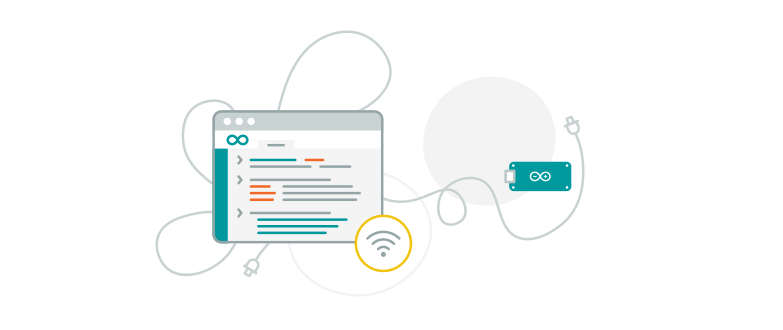
Whether you are using Arduino or ESP32 hardware, over-the-air updates offer a hassle-free way to keep your devices updated with your latest code without the need for physical access to your connected devices.

No need to physically connect your device to a computer.
You can update your devices wherever they are via WiFi connection.

Upload your firmware with just one click saving your precious time.

Creating your self-hosted infrastructure to deliver OTA is no longer necessary.
Let Arduino Cloud handle the complexity for you and enjoy the one-click experience.

Receive firmware updates securely and update your devices more frequently reducing the risks of security vulnerabilities applying your latest code changes and the latest versions of libraries.
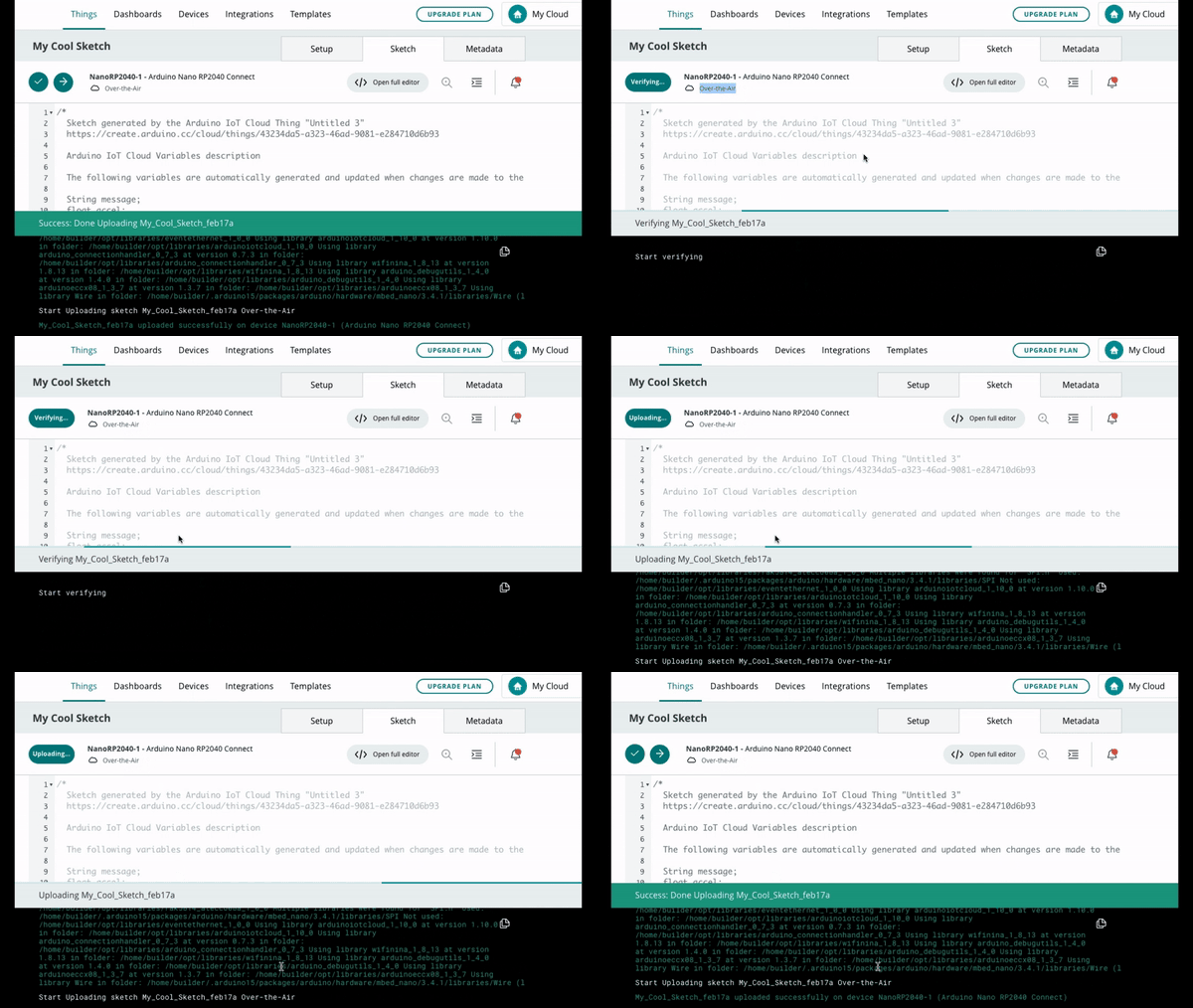
From the web interface
The web interface is the most easy and convenient way to keep your devices up-to-date without cables. Check out this article in the documentation to learn more.
From the command line
The command line interface enables you to automate over-the-air updates to your devices at scale. Learn more in this article.

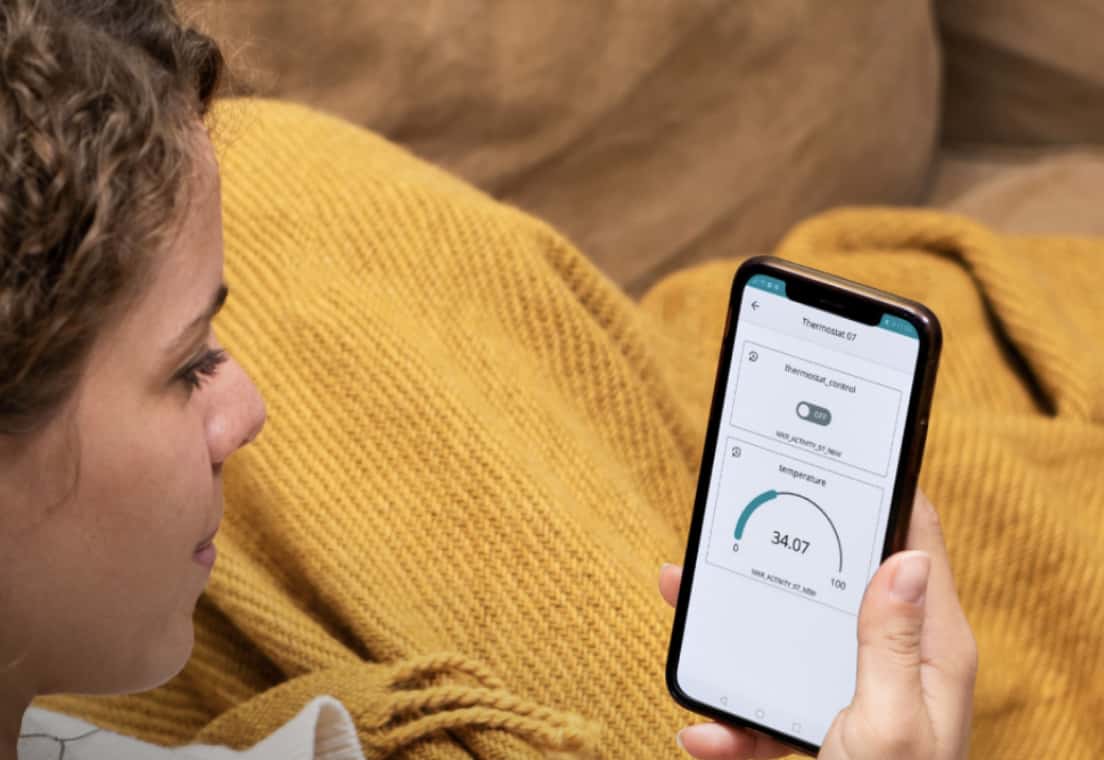
Do you have devices installed inside wall boxes controlling your home's lighting, temperature, and presence sensors? Implementing new features or fixing bugs in these devices typically requires updating their firmware. However, accessing these devices inside wall boxes can be difficult and time-consuming. With OTA updates, you no longer have to uninstall the devices or physically go to their location to update their firmware.
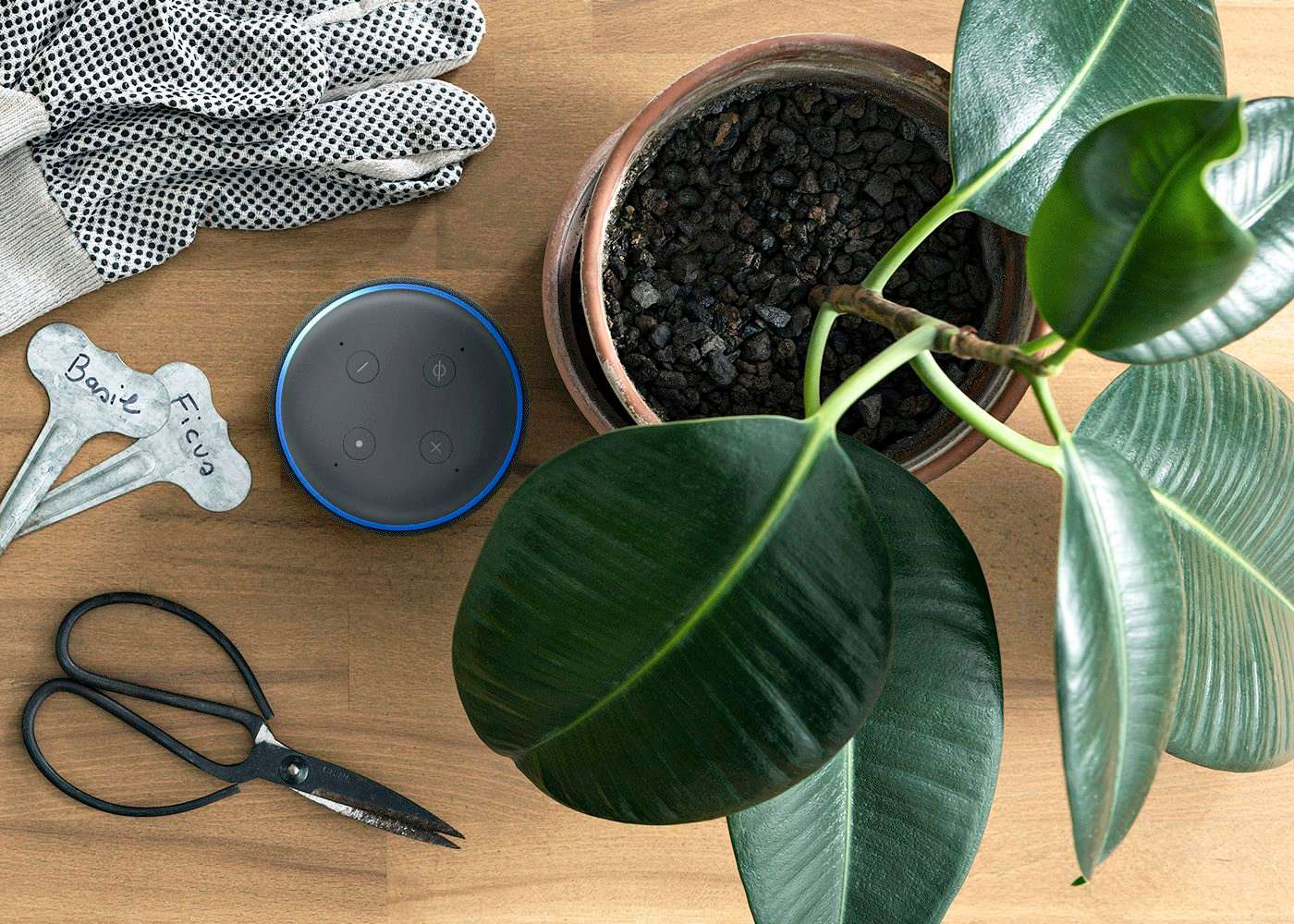
Do you have devices installed inside wall boxes controlling your home's lighting, temperature, and presence sensors? Implementing new features or fixing bugs in these devices typically requires updating their firmware. However, accessing these devices inside wall boxes can be difficult and time-consuming. With OTA updates, you no longer have to uninstall the devices or physically go to their location to update their firmware.
Your first steps uploading sketches Over-The-Air (OTA).
Update your ESP32 boards over-the-air (OTA) with Arduino Cloud
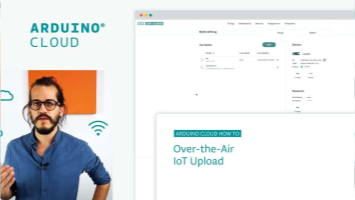
How to update an Arduino IoT board Over-the-Air
Maker
- 1 user
- 1 year data retention
- Unlimited Editor AI Assistant
- Advanced Editor AI Assistant
- Unlimited Editor with OTA updates
School
- Shared space with role permissions
- 5 Things per Member
- 6 months data retention
- Advanced Editor Assistant
- Unlimited Editor with OTA updates
- Course Library
- Google Classroom integration
Team
- 50 users
- 100 Things
- 1 year data retention
- Unlimited Editor AI Assistant
- Unlimited Editor with OTA updates
- Shared space with role permissions
- White Label
- Enterprise Standard support
What hardware can I use?
All the Arduino WIFI boards (with the exception of MKR1000) and all the ESP32 and ESP8266 boards from any manufacturer are supported.
Get the full list of tested hardware here.
What plan do I need to use OTA?
OTA is included in the Entry plan and above. No additional limits are imposed to the plans related to OTA.
Check the full list of features included in each plan here.
Can I update a fleet of devices?
Speak about how to automate the 1-device update using Cloud-CLI and scripts